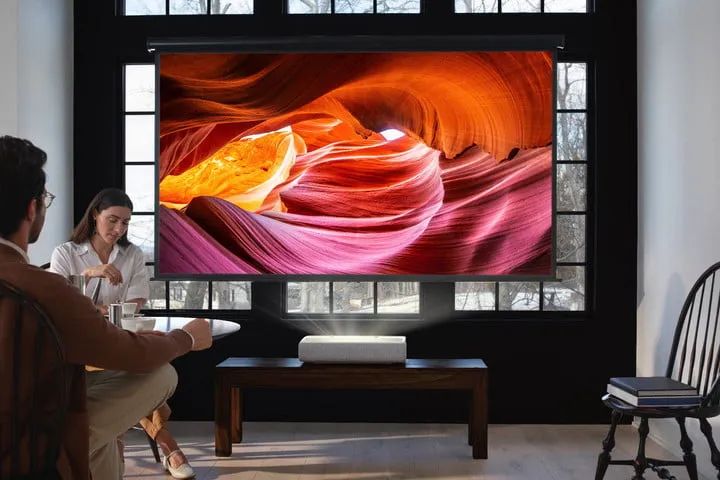
Find the best throw distance
The throwing distance is the distance between the projector and the screen. Generally, the farther the distance is, the larger the screen will be. After a certain point, the image starts to gray and pixelate. The screen size of projectors can be adjusted according to individual needs, and most are designed for a 1.13:1 throw ratio (that is, for every 1.13 feet of distance from the screen, you can get a 1-foot image width).
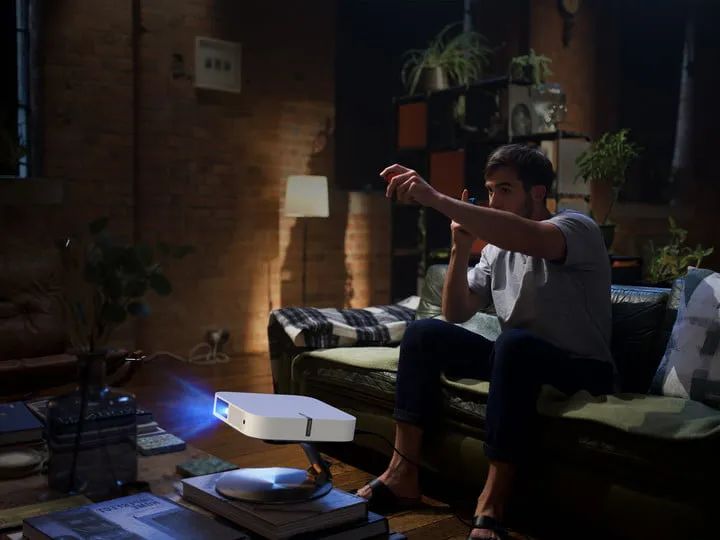
After determining the location of the wifi protable home projector and the required screen size, you can connect the projector and call up the menu. Some projectors will automatically focus and adjust the screen, while others need to be adjusted manually. First determine the overall frame line, focus the four points of the screen, and manually adjust the horizontal and vertical directions of the projector lens on the projector until it is completely in the center of the screen. Generally, the new bluetooth mini projector only needs to be manually set once after the placement is determined.
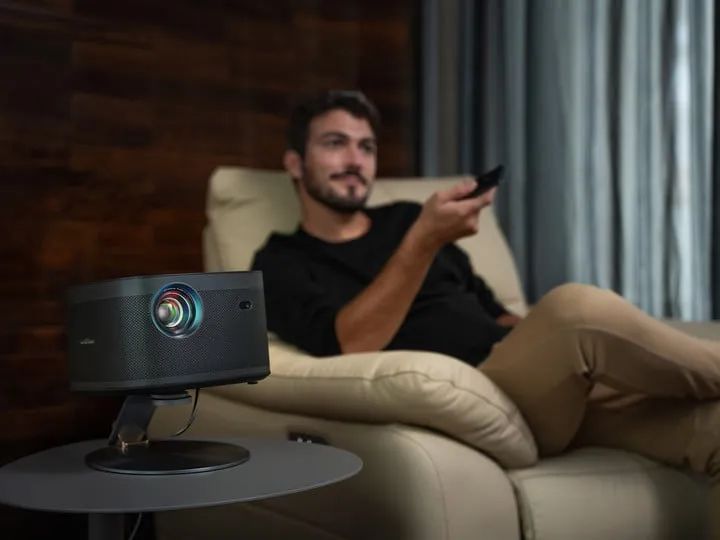
Also make sure that the HD mini projector is in focus when projecting the image in the right position, first find the zoom and focus controls (usually near the lens) and adjust until the image is clearly visible. Some projectors can also manually set the ratio, usually set to the ratio of 16:9 film.
If you buy a projector with less than ideal audio, especially if you want a cinematic experience, it is recommended that you connect the projector to a soundbar or home theater system. The built-in audio of the projector is not very well adjusted, and the effect of some adjustments is not very significant. Therefore, it is better for users who have sound requirements to configure a sound system by themselves.