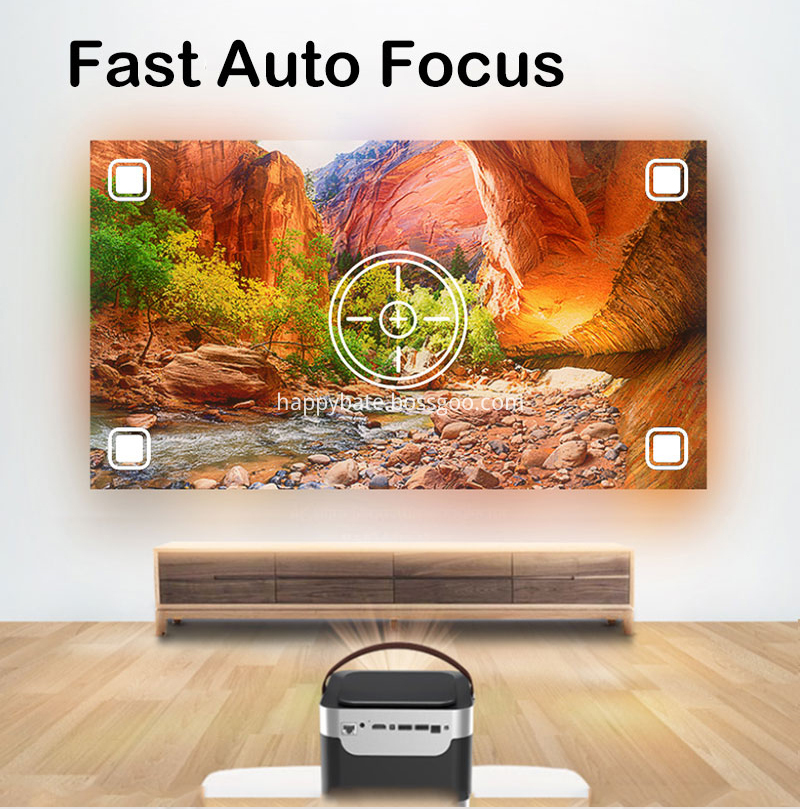
1. Move the front and rear positions of the projector and change the projection distance of the projector to adjust the size of the screen.
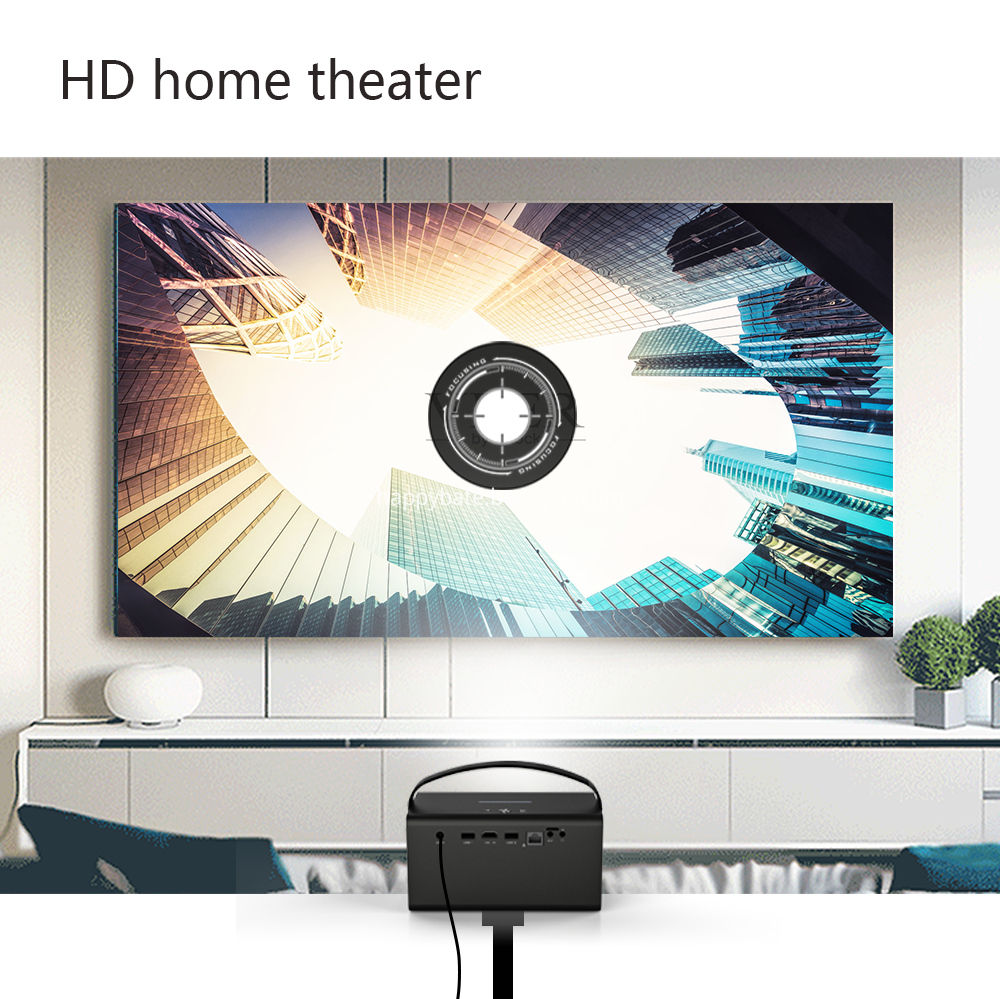
2. In the projector's system settings, find the digital zoom function and adjust the global size of the screen.
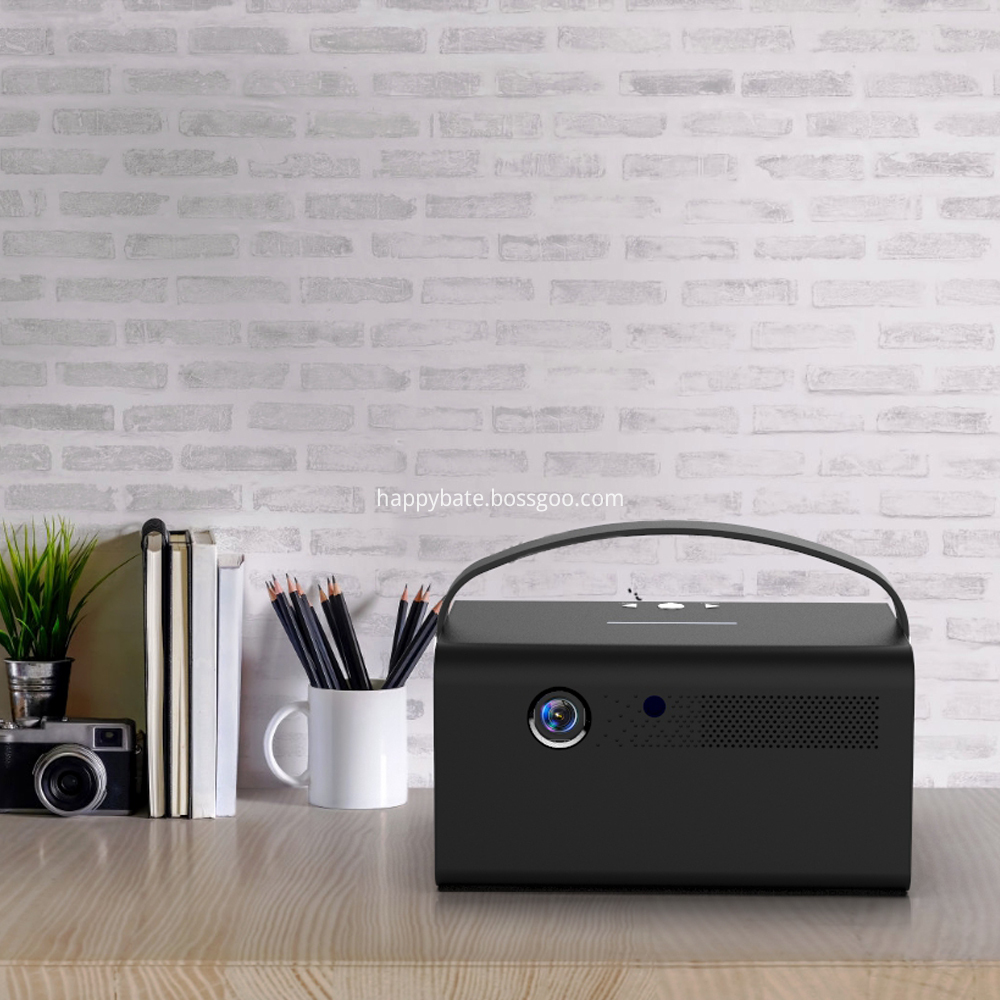
3. Some projectors have a zoom ring, we just need to move the zoom ring to adjust the size of the screen.

4. Content expansion: Many projectors now have a keystone correction function. Although this function itself is not for adjusting the screen, it can also adjust the size of the screen through manual keystone correction.